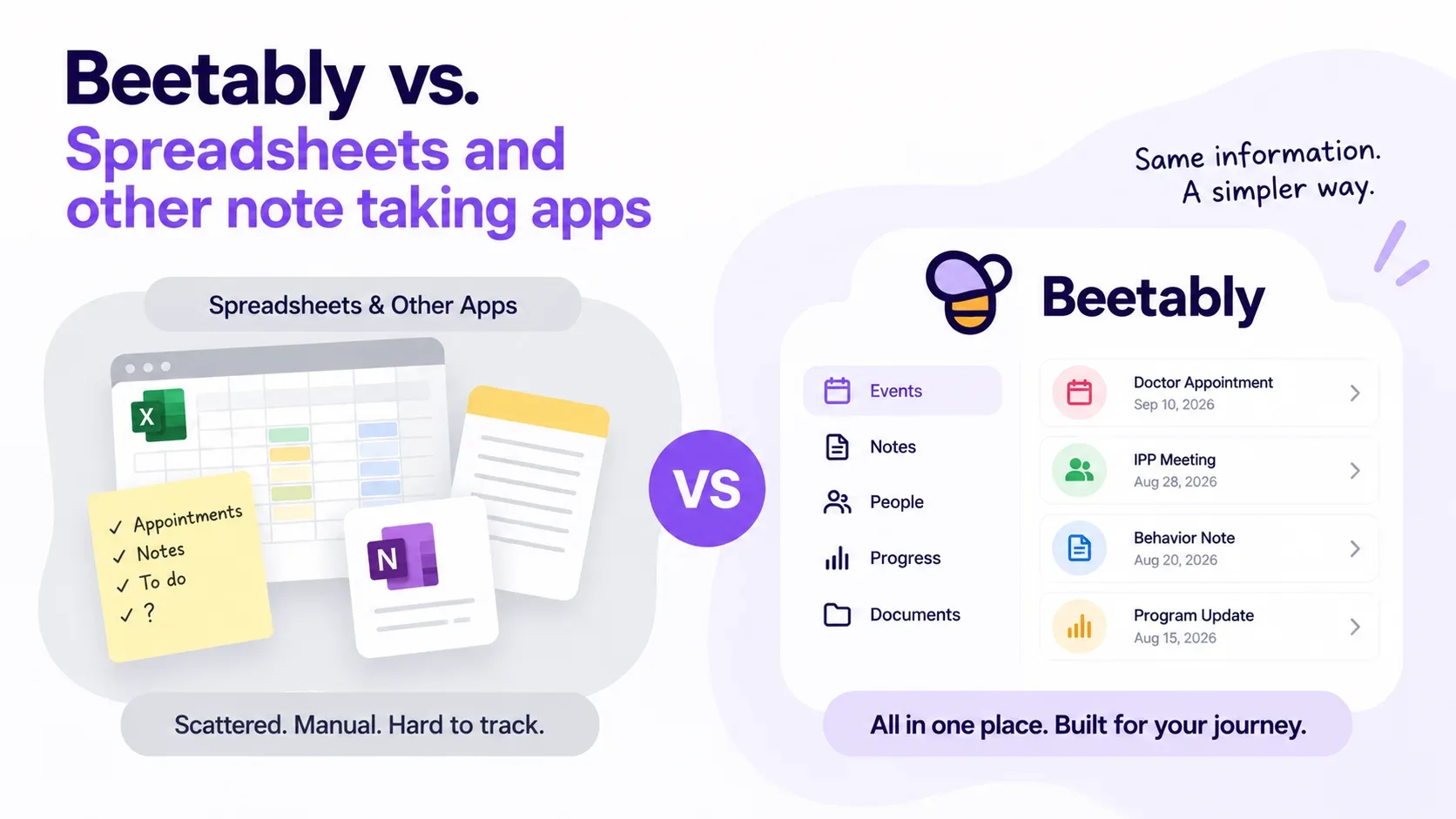
Beetably vs. a Spreadsheet: Why a Blank Grid Isn't Enough
Excel and note apps can hold anything — which is exactly the problem. Here is why a purpose-built record beats a blank grid when what you are documenting is a person's care.
Tips, guides, and resources for special needs families.
Excel and note apps can hold anything — which is exactly the problem. Here is why a purpose-built record beats a blank grid when what you are documenting is a person's care.
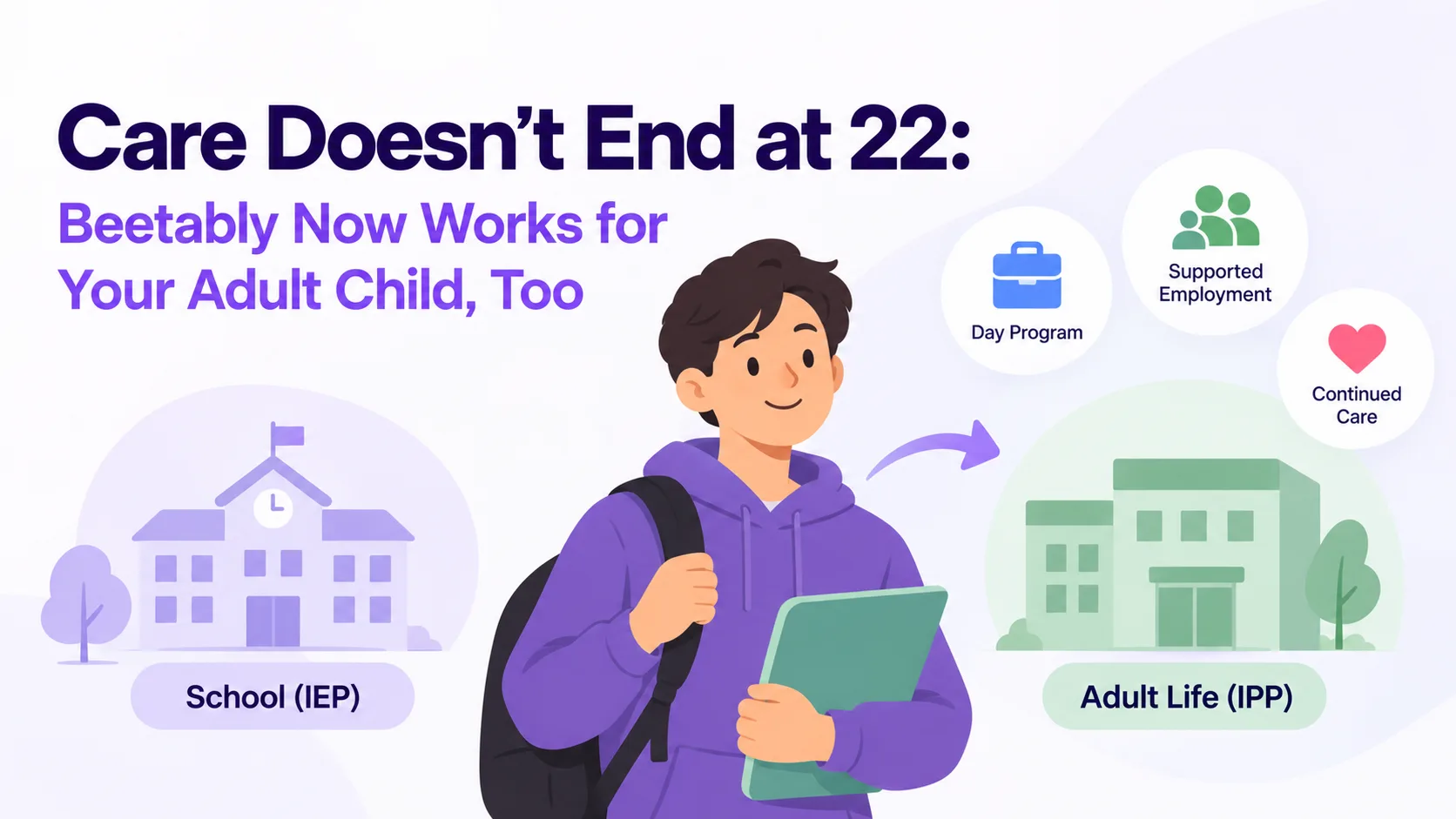
Special education ends, but the documentation never does. Beetably now supports adult profiles — with IPP logging, program history, and tools that adapt from school to day program and supported employment.
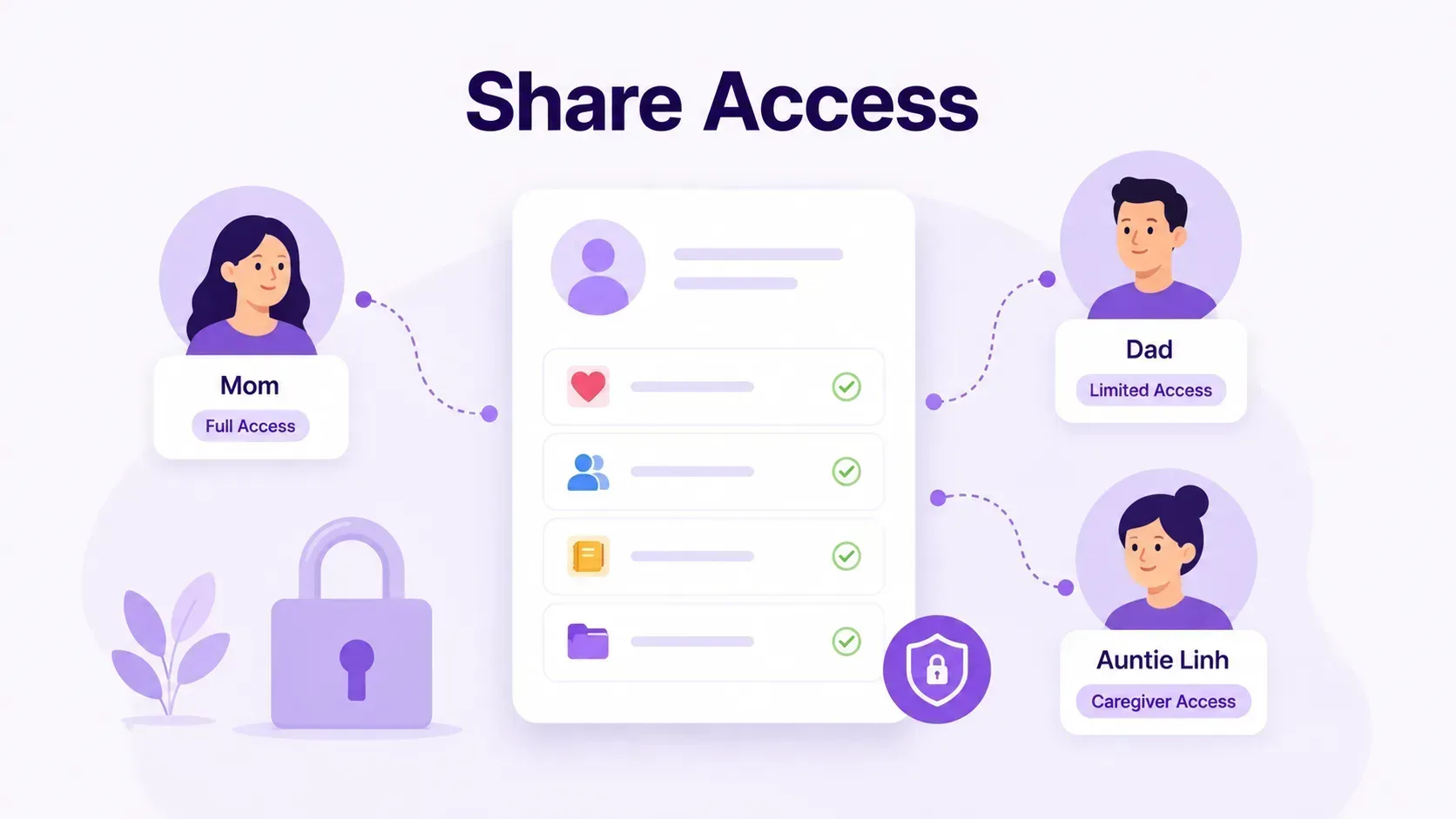
Your child's care is rarely a one-person job. Share Access lets you invite a co-parent, grandparent, or caregiver to view or help manage a child's profile — with per-child control and privacy built in.
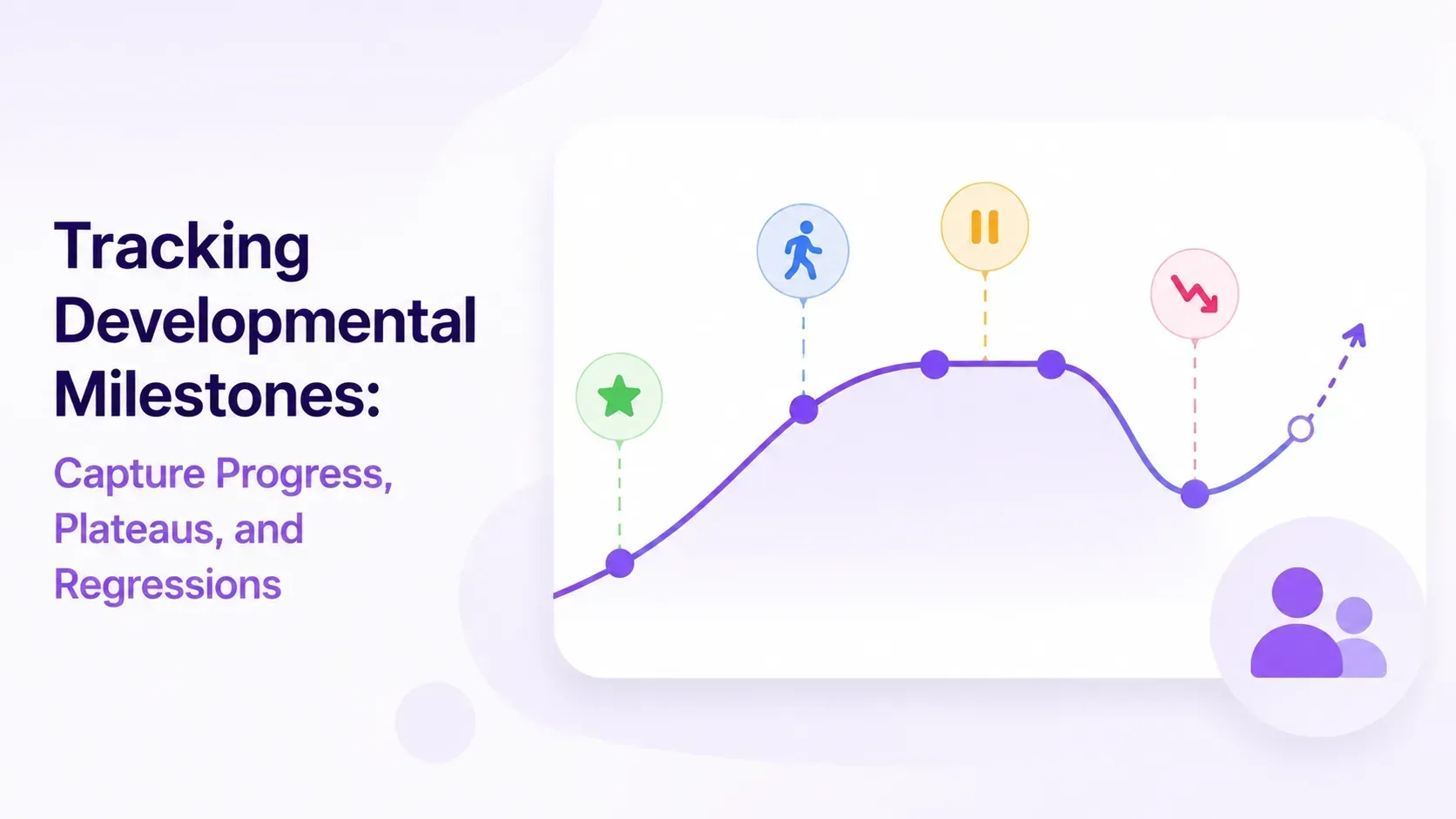
Progress for a child with complex needs isn't always a straight line. Logging milestones — gains, plateaus, and regressions — across every domain gives you a clear record to share with your care team.
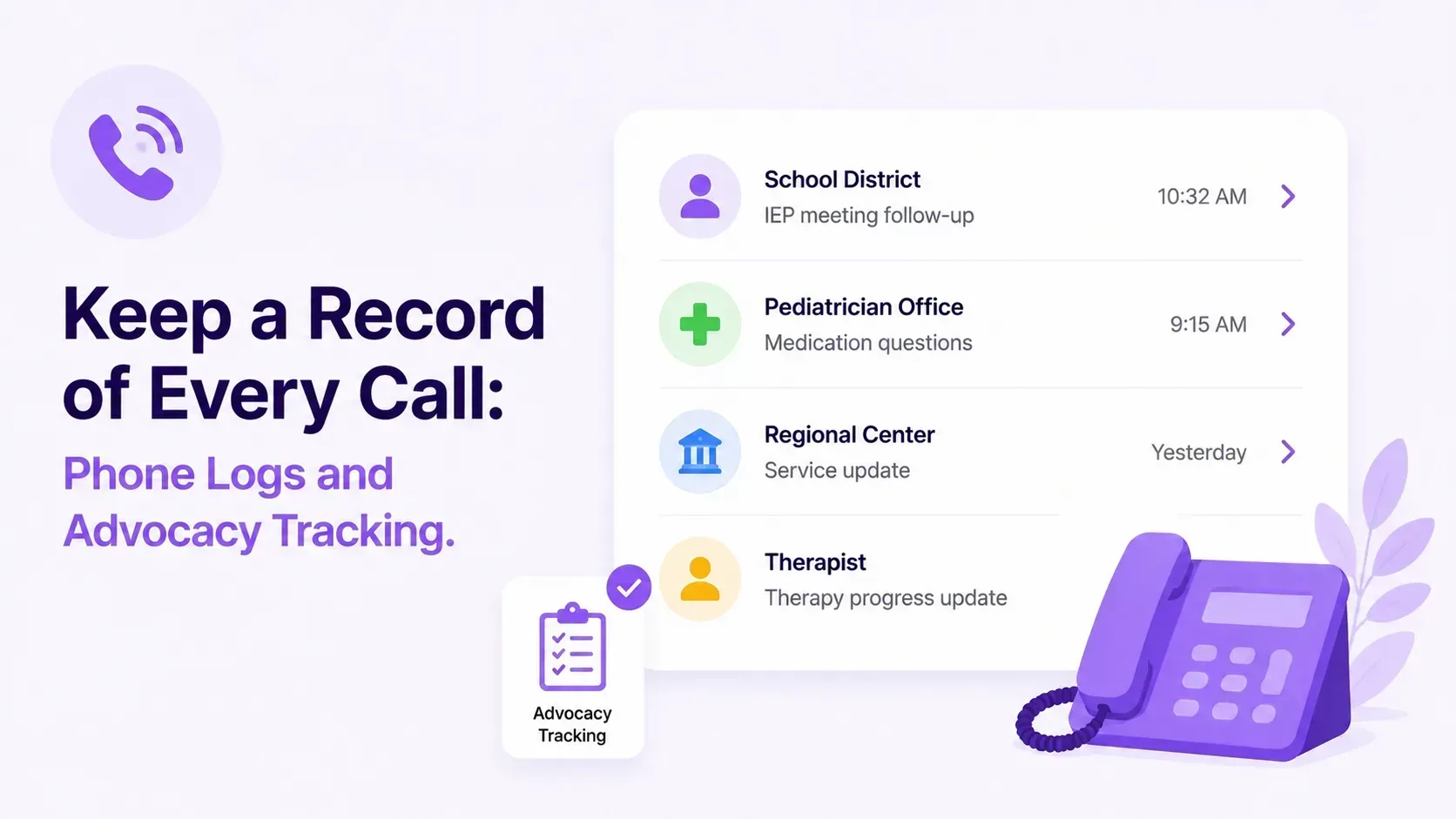
The most important commitments often happen on the phone — and vanish just as fast. Logging your calls with schools, doctors, and agencies creates the paper trail that makes advocacy work.
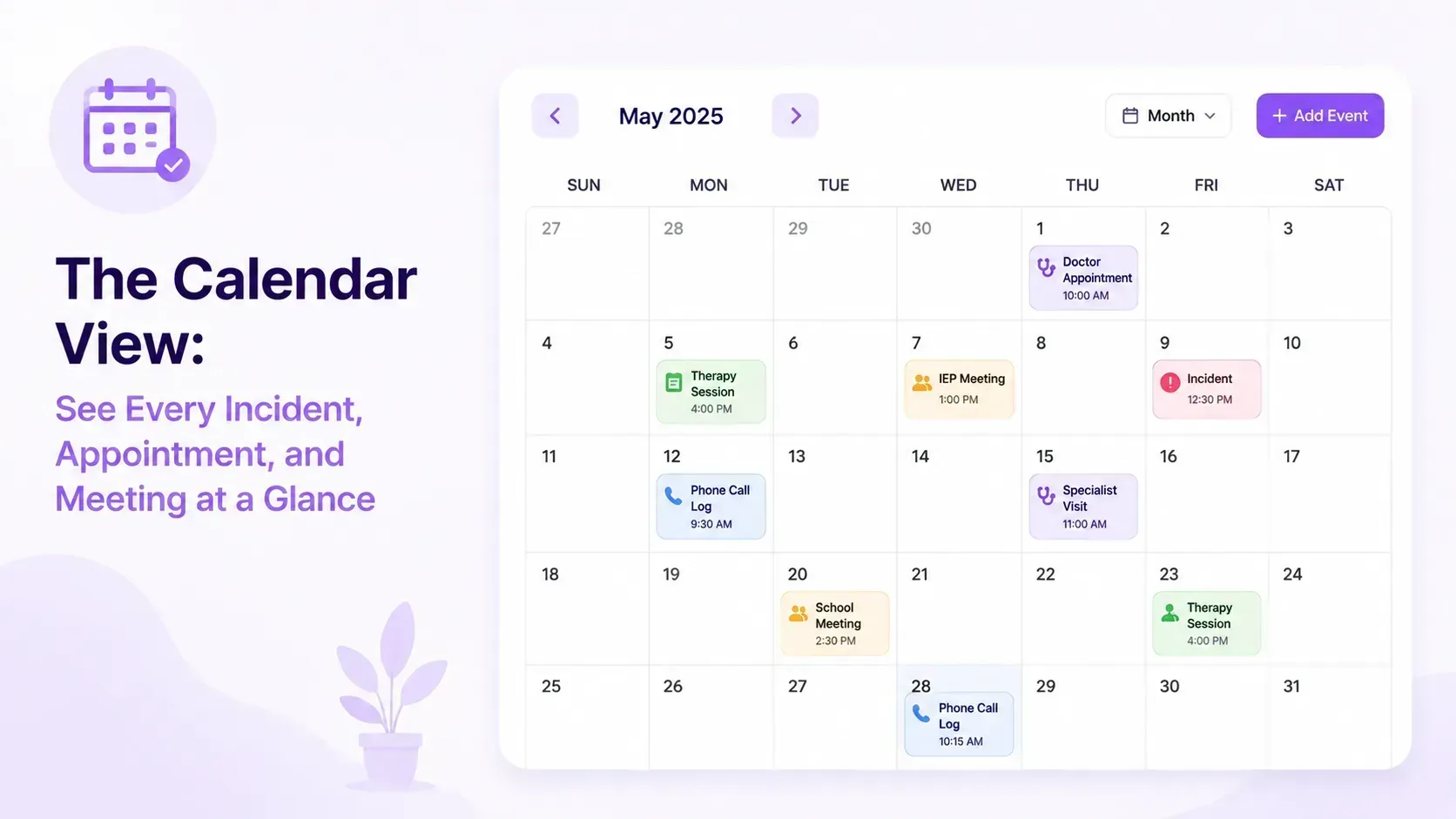
Individual entries tell you what happened. The Calendar View shows you the patterns — browse everything by month and spot the trends you can't see one note at a time.
The IHSS Hours Calendar automatically divides your monthly authorized hours across every active day — and rebalances instantly when things change.
Every new teacher, substitute, or respite provider needs to understand your child quickly. The Profile Sheet gives them everything they need on a single printable page.
End-of-day dismissal is one of the highest-risk moments in a special needs child's school day. A printed checklist gives paras and aides a clear, consistent routine — every day.
We use cookies
We use essential cookies to keep you signed in and analytics cookies to understand how the tool is used. No advertising or tracking by third parties. Privacy Policy ↗
Add Beetably to your phone
Install it for a full-screen, one-tap app on your home screen.
Add Beetably to your phone
Tap the menu ⋮ in your browser, then “Install app” (or “Add to Home screen”).
Add Beetably to your Home Screen
Tap the Share icon below, then choose “Add to Home Screen.”