Caring for a child with complex needs is rarely a one-person job. A co-parent takes them to half the appointments. A grandparent covers after school. A respite worker or nanny needs to know the routines. Until now, keeping everyone on the same page meant screenshots, forwarded emails, and repeating yourself.
Share Access changes that. You can now invite the people who help care for your child to see — or help maintain — that child's profile in Beetably, without handing over your whole account.
How it works
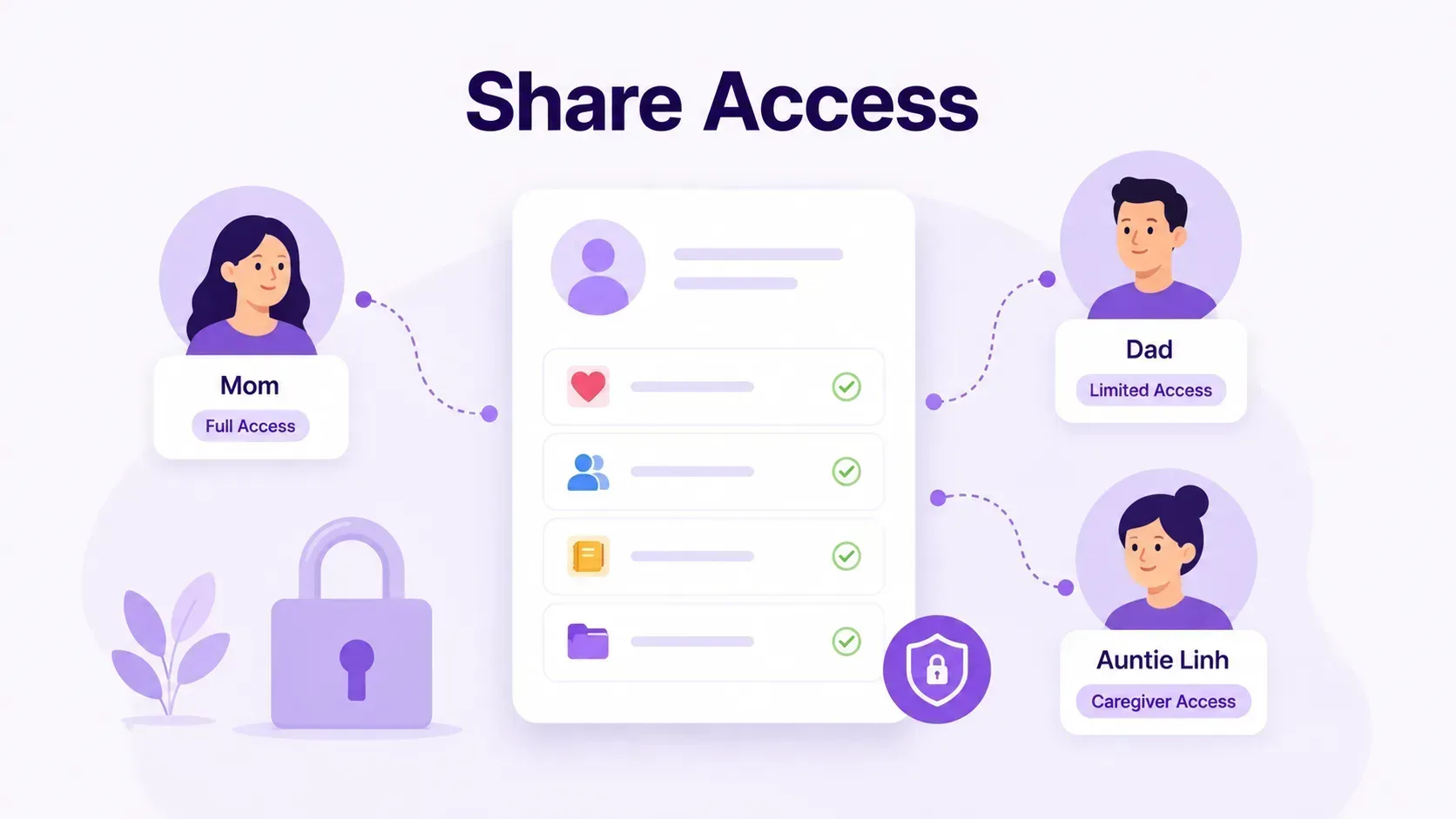
From the Share Access page (or any child's profile), enter the email address of the person you want to invite and choose their access level. They'll get an invitation, and once they sign in with that exact email address — either from the link or the in-app banner that appears on their dashboard — they'll have access to just that child's profile.
Two levels of access
- View only. The person can see the child's records — logs, appointments, therapy notes, the profile sheet, and more — but can't change anything. Perfect for a grandparent or school contact who needs the full picture.
- Can edit. The person can add their own entries and manage what they've added, so a co-parent or caregiver can log an incident or an appointment after their shift. The profile owner always keeps full control of the record.
You can change someone's access level or remove it entirely at any time.
Per-child by design
Access is granted one child at a time. Inviting someone to help with one child never exposes your other children, and it never gives them access to your account settings, billing, or anything else. If you have multiple children, you decide exactly who sees which profile.
Privacy built in
Share Access follows the same privacy-first approach as the rest of Beetably. If you use an alias for your child, sharing doesn't change it — the people you invite see the profile exactly as you've set it up. You remain the owner: you control who's invited, what they can do, and when their access ends.
Getting started
Open Share Access from the sidebar, pick the child you want to share, and send an invitation. The person you invite will be guided through accepting it — and from that point on, the people caring for your child are finally working from the same, up-to-date record.