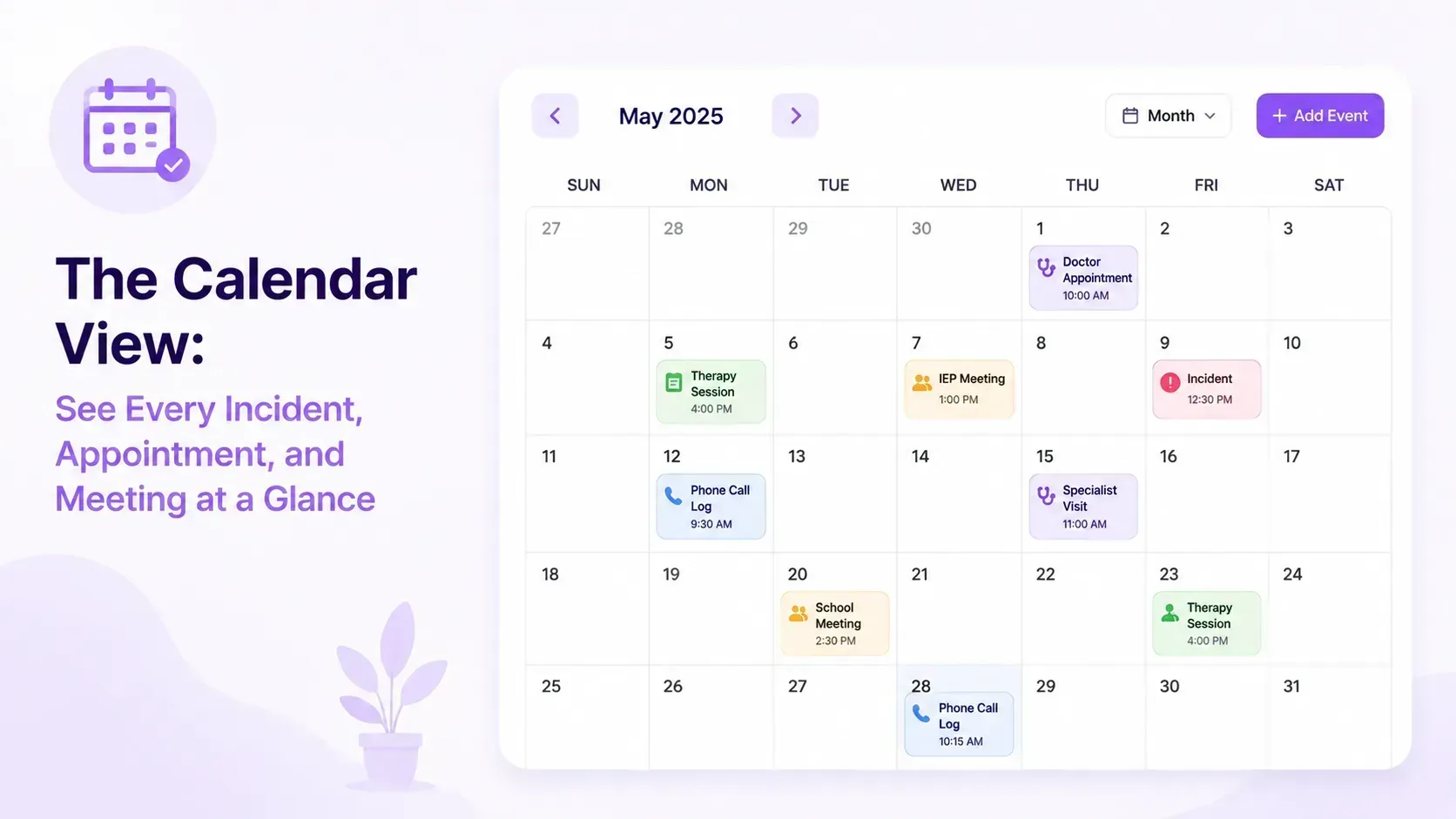
If you've ever stared at a calendar trying to figure out how to spread your authorized hours across a 31-day month — and then scramble to recalculate every time a sick day throws off your plan — the IHSS Hours Calendar in Beetably was built for you.
What It Does
The IHSS Hours Calendar takes your monthly authorized hours and automatically divides them across every active day in the month. Change the authorized total and every day updates instantly. No spreadsheets, no manual math.
How It Works
Enter your authorized hours once. The calendar does the division and shows you a daily target so you always know where you stand.
Lock any day you want to keep fixed. Tap the lock icon on a day and it turns amber — that day's hours are frozen no matter what. When you adjust the monthly total or edit another day, locked days stay untouched. Only the unlocked days rebalance.
Edit any day manually. Type in the actual hours worked for a day and press Enter. Beetably keeps your number, calculates the difference from the target, and spreads that difference across all other unlocked days automatically. The day stays "free" — future total changes will still rebalance it alongside the others.
Mark sick days and out-of-country travel. These snap to 0 hours and are fully excluded from rebalancing. They appear in your summary so you can see at a glance exactly why your daily average looks higher — because those days aren't being counted.
Why It Matters
IHSS caregivers and providers often operate on tight hour budgets where a few extra minutes on one day can mean falling short at the end of the month. The calendar gives you a live picture of how your hours are distributed and lets you make adjustments without starting over.
If you over-serve on a Tuesday, you'll immediately see how the remaining days adjust. If a provider calls out sick, marking that day excluded keeps your math honest.
Getting Started
Open any child's record in Beetably, navigate to the IHSS Hours Calendar, and enter your monthly authorized total. The calendar builds itself from there.