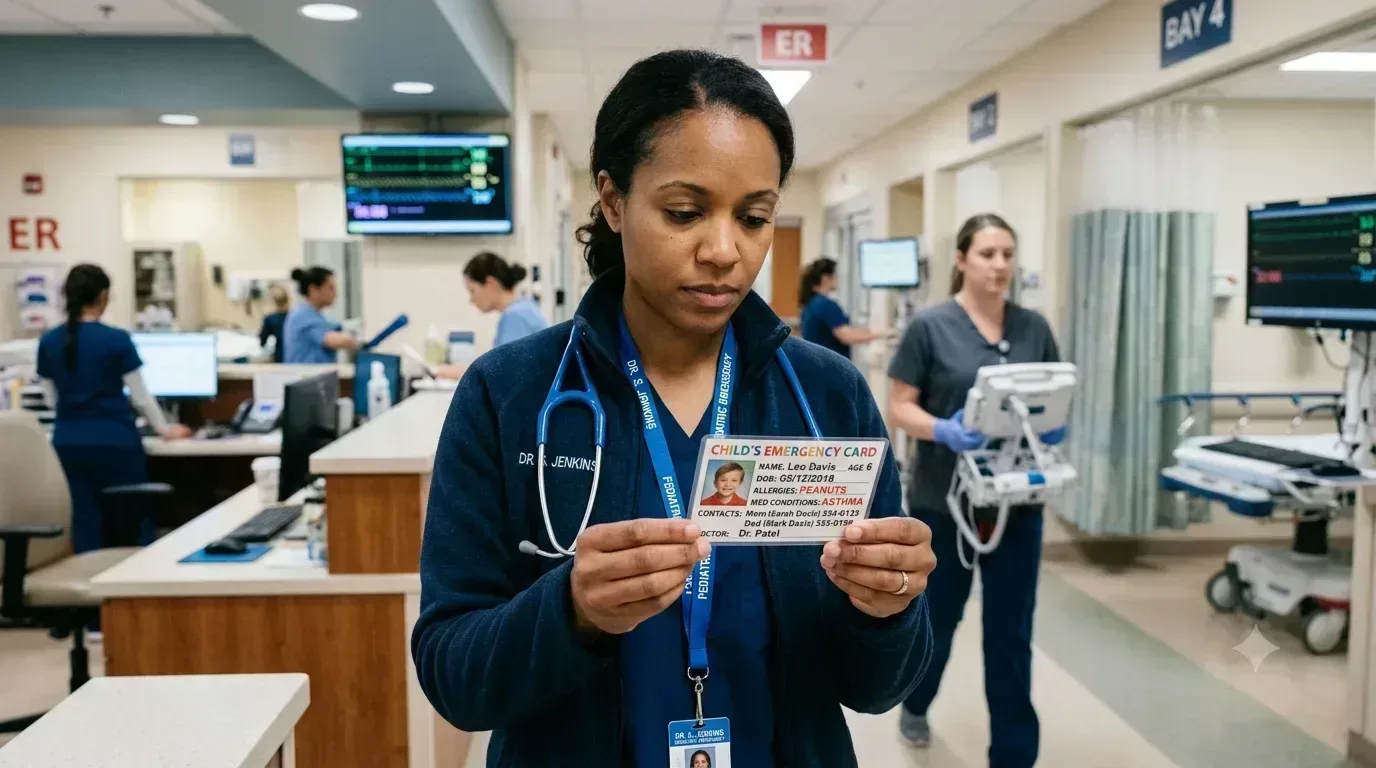
When something goes wrong — a medical emergency at school, an incident in the community, a situation where your child is with someone who doesn't know them well — the people trying to help need information fast. And they may not have time to wait for you to arrive and explain.
That's the problem the Emergency Card solves.
What's on the card
The Emergency Card pulls directly from your child's profile in Beetably and generates a compact, print-ready document that includes:
- Diagnoses — the conditions a first responder or ER nurse needs to know about immediately
- Active medications — current medications with dosing information
- Allergies — especially critical in a medical context where the wrong treatment could cause harm
- Emergency contacts — who to call and in what order
- Critical care instructions — anything that could affect how your child should be handled, communicated with, or treated
Designed for real emergencies
The card is formatted to be readable quickly, under stress, by someone who has never met your child. It's not a full medical history — it's the minimum critical information that could change how someone responds in the first minutes of an emergency.
Keep a copy in your child's backpack. Keep one in your wallet. Give one to the school nurse, the therapy center, and anyone who regularly cares for your child without you present.
Alias and privacy support
Like everything in Beetably, the Emergency Card respects your privacy settings. If you use an alias for your child in the tool, you'll have the option to enter their real name for the exported card only. The real name is never stored in the tool.
How to generate one
Open your child's profile and click Emergency Card. The PDF will download immediately, pre-filled with the information from your child's profile. Update your child's profile whenever medications, diagnoses, or emergency contacts change, then generate a fresh card.
It takes about 30 seconds. It could make a real difference when it matters.
