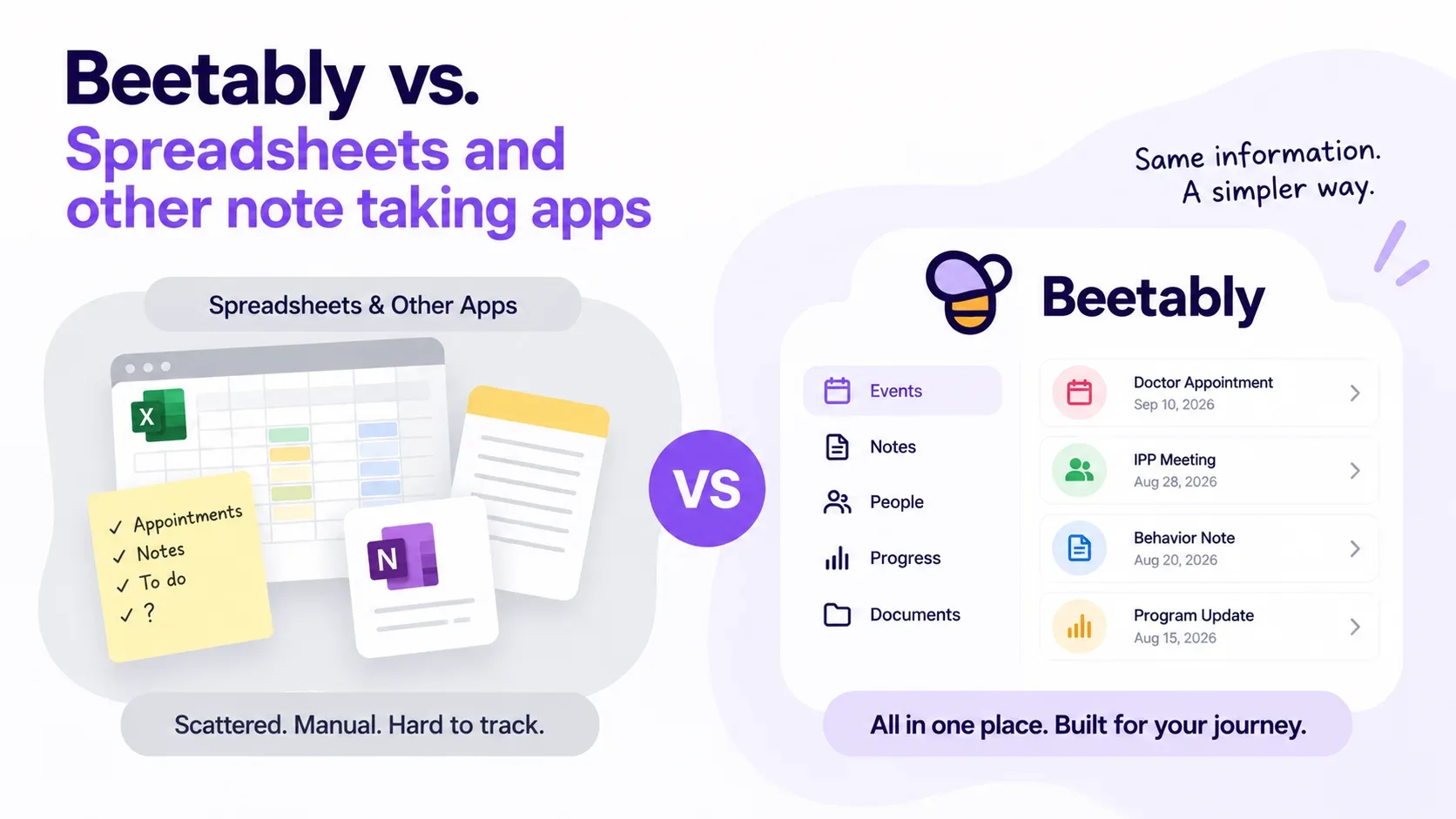
Almost every parent we talk to started the same way: a spreadsheet. A tab per year, a column for the date, a big free-text cell for "what happened," and a filename like Aiden_log_FINAL_v3.xlsx. Or a running note in their phone, thousands of words long, that they scroll and scroll to find the one incident from last March. It works — until the day it really has to.
A spreadsheet or a notes app can hold anything, and that is exactly the problem. When the thing you are documenting is a person's care — behaviors, medications, appointments, meetings, the evidence you bring to an IEP or IPP table — "it can hold anything" turns into "nothing is where you expect it." Here is where a purpose-built record pulls ahead.
Structure you don't have to invent
In Excel, you design the system: which columns, what counts as severity, where medications go, how you tag a doctor's visit versus a school meeting. Every time you're tired or rushed, the structure erodes a little — a blank cell here, a different wording there — and six months later your own data is hard to trust.
Beetably already knows what a care record needs. You pick an event type — behavioral, medical, appointment, IEP or IPP meeting, milestone, advocacy, communication log — and the right fields appear: severity, triggers and what helped, medications given, provider and location, follow-up. Because everyone's entries share the same shape, the record stays consistent even on the hard days.
Reports that are ready for the meeting
The real test comes the night before an annual review, when you need to show a pattern, not a pile. In a spreadsheet that means filtering, hiding columns, fixing formatting, and hoping it prints without a row bleeding onto page nine.
In Beetably you choose a date range and the entry types you want, and export a clean PDF, CSV, or Excel report in one step. Walk into the meeting with "here is every behavior at the day program since January, and what we tried" — organized, dated, and readable — instead of a laptop turned sideways.
Things a grid simply can't do
An Emergency Card. One page, first-responder-ready, with diagnoses, medications, and emergency contacts — printable in seconds. Your spreadsheet can't hand that to a substitute, a babysitter, or a paramedic.
Reminders. Appointments and meetings can nudge you before they arrive. A note app forgets the moment you close it.
Search, calendar, and charts. Find any entry by keyword, see the month at a glance, and watch behavior trends on a graph instead of squinting at rows. Getting a spreadsheet to chart behavior over time is a project of its own.
Wording that fits the person. Mark a profile as a child or an adult and the labels adapt — school and teacher, or program and coordinator — so the record speaks the language of whatever system you're in.
Private by design, not by luck
A spreadsheet on a laptop, synced to who-knows-which cloud, emailed as an attachment that lives forever in someone's inbox — that is a lot of sensitive information in a lot of loose places. Beetably keeps records in one account with sensitive fields encrypted, optional alias names, and two-factor sign-in.
And when you do need another set of hands, you share the profile — view-only, or can-edit — with an optional expiration date, and change or remove access any time. That is a world apart from emailing a copy of the file and losing track of who has which version.
Made for the moment it happened
The best record is the one you actually keep. A meltdown at 8:15 on a Tuesday doesn't wait for you to get to a desk and open a workbook. Beetably works on your phone, so you can log it in a few taps while it's fresh — and everything lands in the same organized place, ready to become a report later.
When a spreadsheet is still fine
We'll be honest: if you just need to jot the occasional note, a notes app is fine, and if you love formulas, a spreadsheet is a fine calculator. Beetably earns its place when the documentation matters — when it has to hold up in a meeting, travel with your child to a new provider, or prove a pattern that unlocks a service.
You can start free with one profile and the printable Profile Sheet and Checklist, and add logging, reports, and sharing when you're ready. Bring your spreadsheet's history if you like — from here on, the structure keeps itself.
